
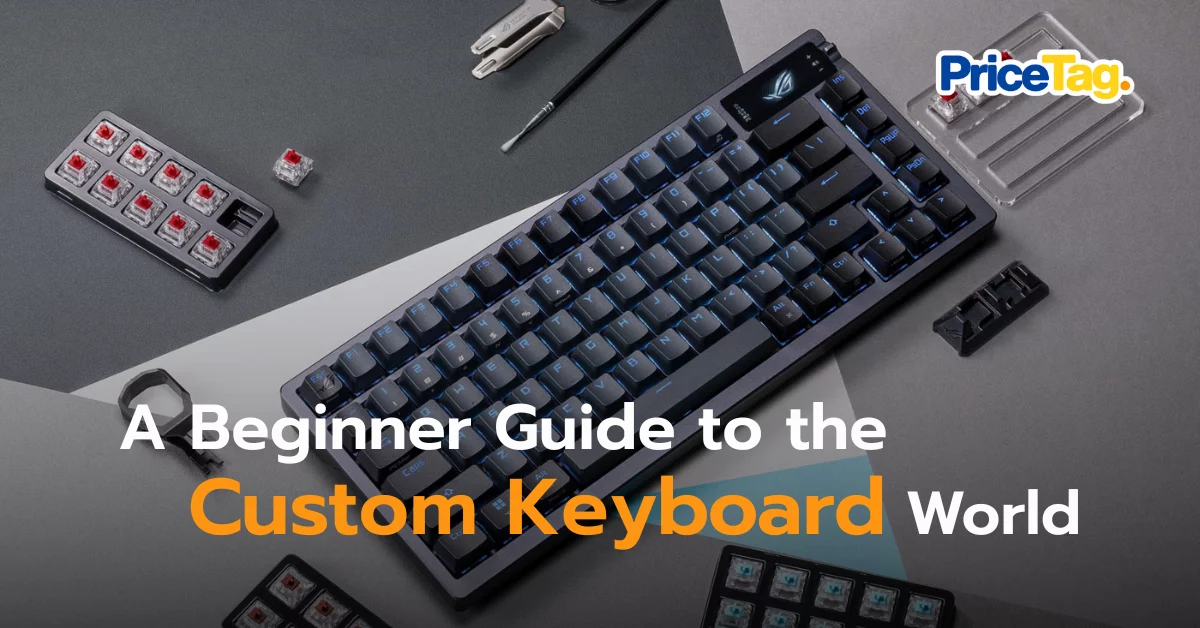
Welcome to one of the most addictive hobbies in the IT world. I have personally learned the hard way that the phrase “the final build” is often a myth! If you are starting to feel that the keyboard bundled with your computer is dull, uninspiring, or even depressing to type on, congratulations… you are on the right path. I used to think all keyboards were the same, but the first time I pressed a key on a custom build, it felt like switching from an old tin can car to a luxury European vehicle with smooth suspension.
The custom keyboard trend of 2026 has evolved beyond just being fun to type on; it is about creating a “musical instrument” for your desk that provides the exact sound and feel you desire. Today, I will summarize Custom Keyboards for 2026 to help you start without getting lost.
PS. P.S. This post is for those looking for a starting point. If you’re completely new to the world of Custom Keyboards, start with our 101 guide right here!
1. Start with Layout and Hot-Swappable Features
For beginners, I highly recommend looking for a Hot-swappable keyboard. This allows you to change switches yourself without needing a soldering iron.
Regarding sizes, there are many layouts: Full Size, 96%, Tenkeyless (80%), 75%, 65%, and 60%. For a newcomer, I suggest the 75% layout. It is compact but still keeps the essential Function keys (F1-F12) and arrow keys. If you want maximum minimalism, the 65% layout is a stylish way to save desk space.

2. Understanding Switches: Linear vs. Tactile vs. Clicky
The heart of the experience lies in the switch. While Hall Effect (Magnetic) switches are popular in 2026 for their adjustable actuation, the basics remain:
- Linear: Smooth, single-stroke movement.
- Tactile: Has a small “bump” to let you know the key has been registered.
- Clicky: Provides a satisfying (and loud) clicking sound.
If you want that Deep Thock (a deep, solid sound), I recommend choosing Linear switches and performing Lubing with grease to increase smoothness.

3. Gasket Mounts and Plate Materials
The “Mount” refers to how the internal plate is attached to the case. My personal favorite is the Gasket Mount because it offers a soft, cushioned typing feel rather than a stiff one. The Plate Material also significantly impacts the sound:
- FR4: Balanced and fun to type on.
- Aluminum: Higher pitched and sharp.
- Polycarbonate (PC): The deepest and softest feel.
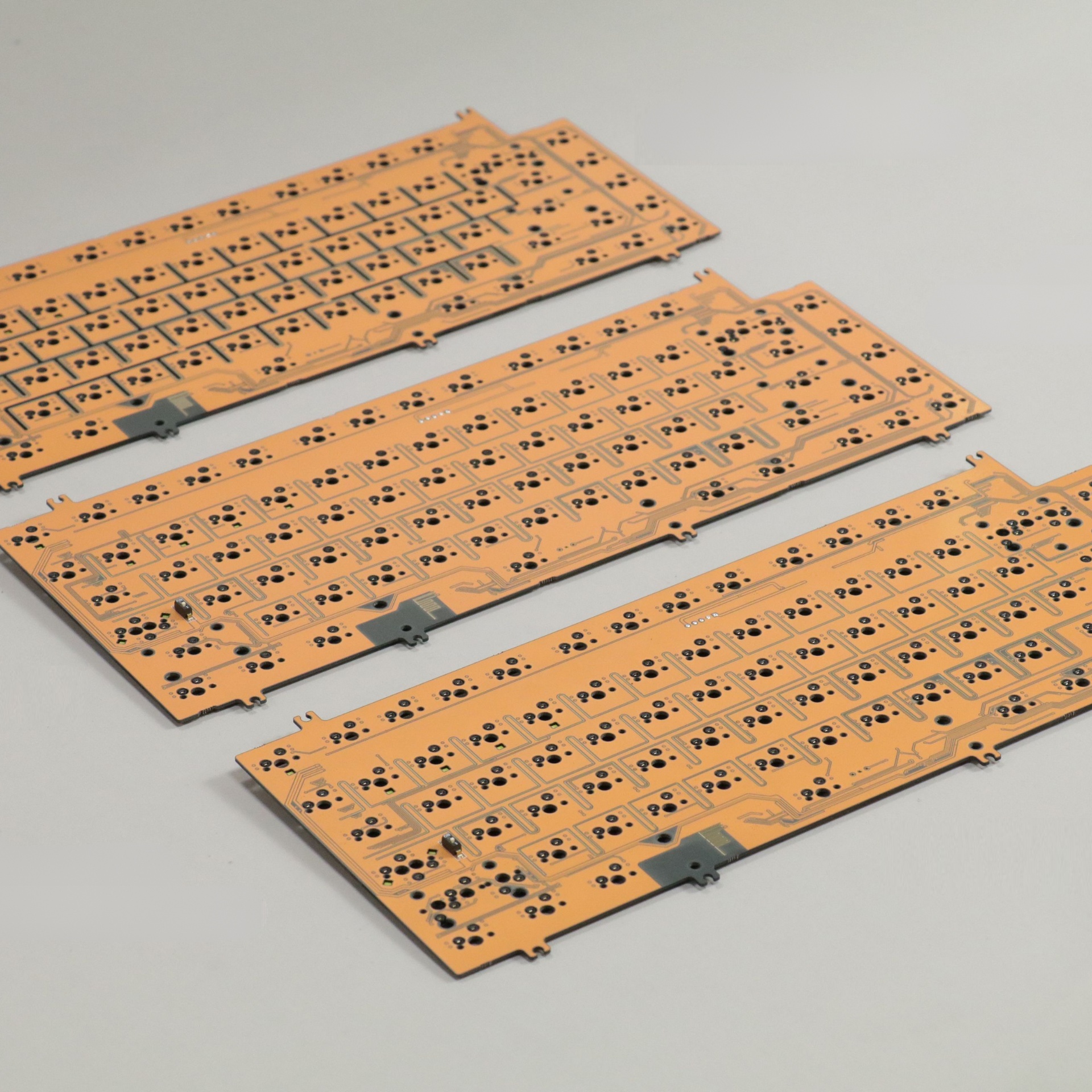
4. Customizing and Tuning: Keycaps, Stabilizers, and Foam Mods
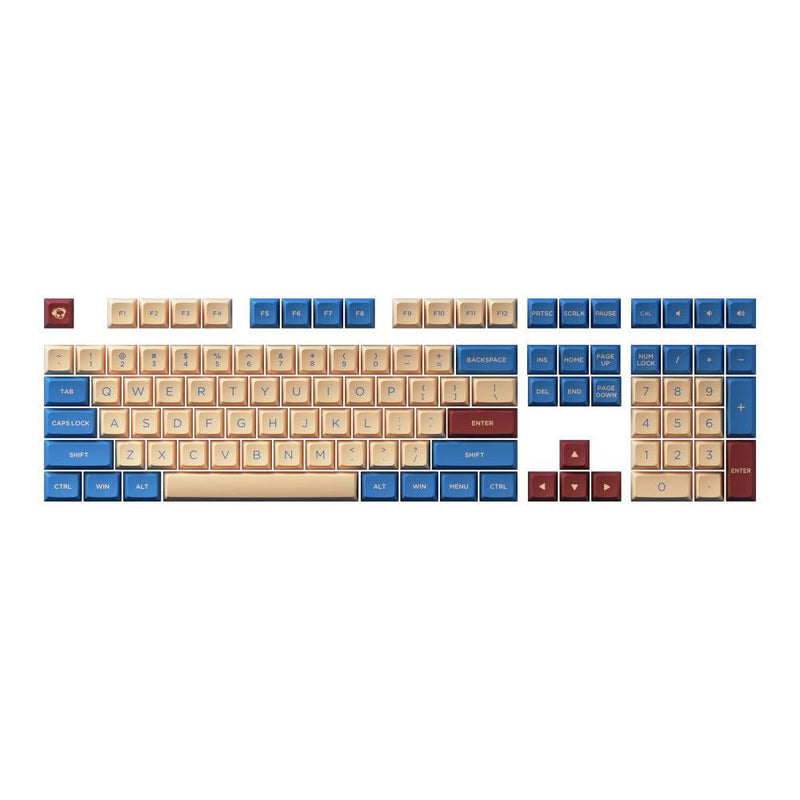
- Keycaps: Usually come in ABS or PBT. PBT is generally more durable and does not develop an oily shine as quickly as ABS.
- Stabilizers: These are for large keys like the Spacebar. If they are poor quality, they will rattle. Tuning them is essential for a premium feel.
- Foam Mod: Adding sound-dampening foam inside the case reduces hollowness and echo.
Which Brand Should You Start With?
- Budget Friendly: Start with brands like MonsGeek or the Keychron V Series. They offer standard hot-swap support and VIA software compatibility at a great price.
- The “Premium” Step: Move up to aluminum cases like the QK or Meletrix series, which focus on premium materials and low latency for gaming.
Review: A Real Experience with My Veteran Keychron K4 V2
I am actually typing this article on my Keychron K4 V2. It has been with me since 2020 and survived many long nights. Even though newer models are out, this remains a great “teaching” board because it is simple to mod. Here is how I tuned mine
Lubing Red Switches with Krytox
I used Krytox 205g0 on the stems and housing of my Red Switches, and Krytox 105 on the springs.
- The result? Every keystroke feels significantly smoother and the annoying spring ping is gone.

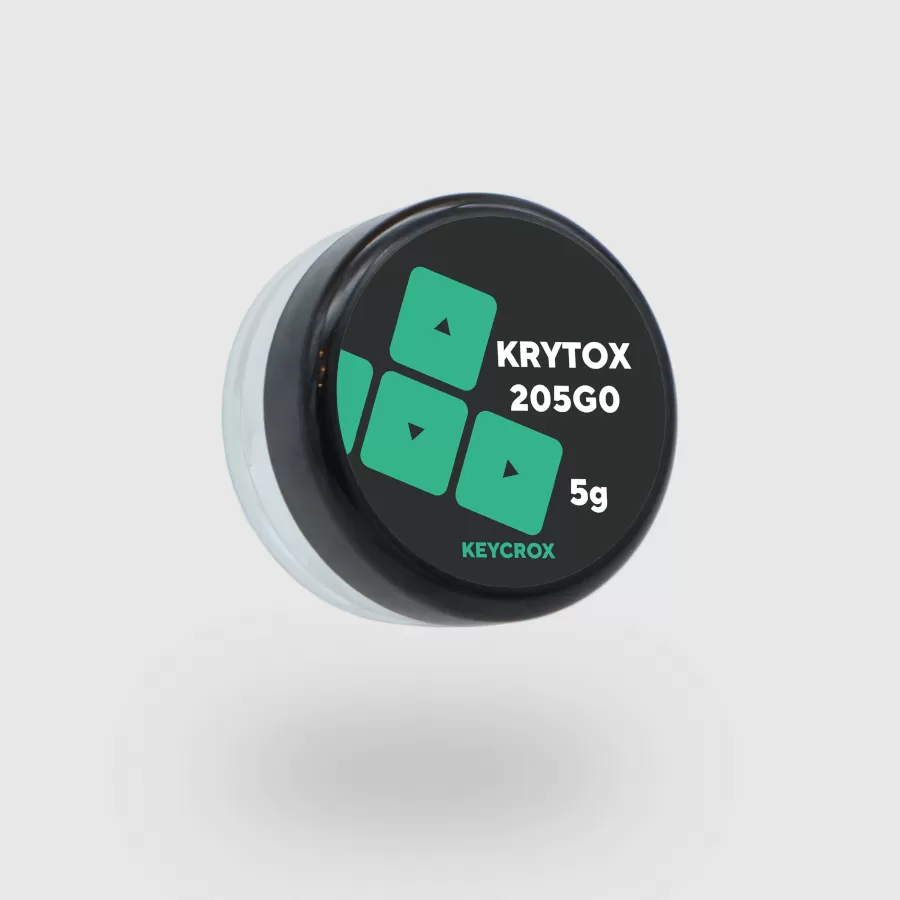
P.S. Using 205G2 for stabs and 205G0 for switches. Same formula, different thickness.
Foam Mod for Solid Thock
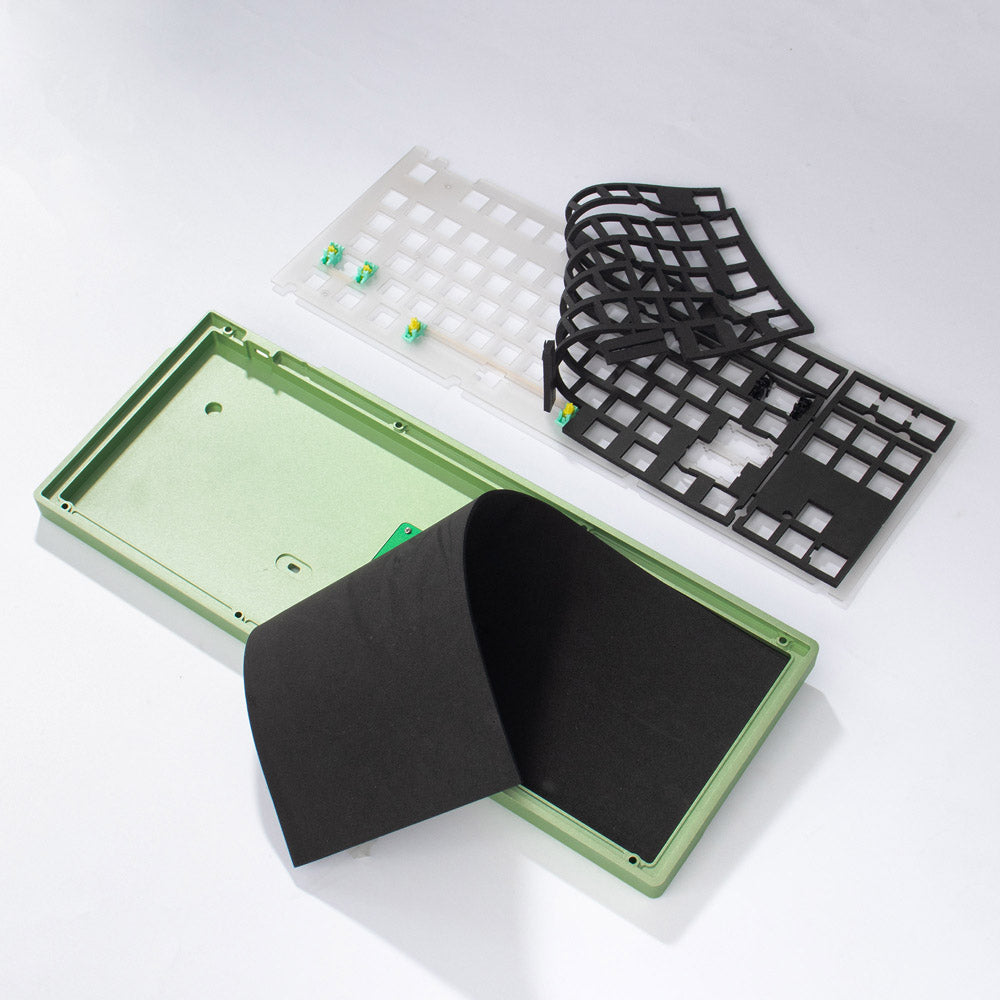
The K4 V2 has a high case that can sound hollow. I added a 3mm EVA foam sheet to the bottom of the case.
- Now, the sound is deep, solid, and focused.
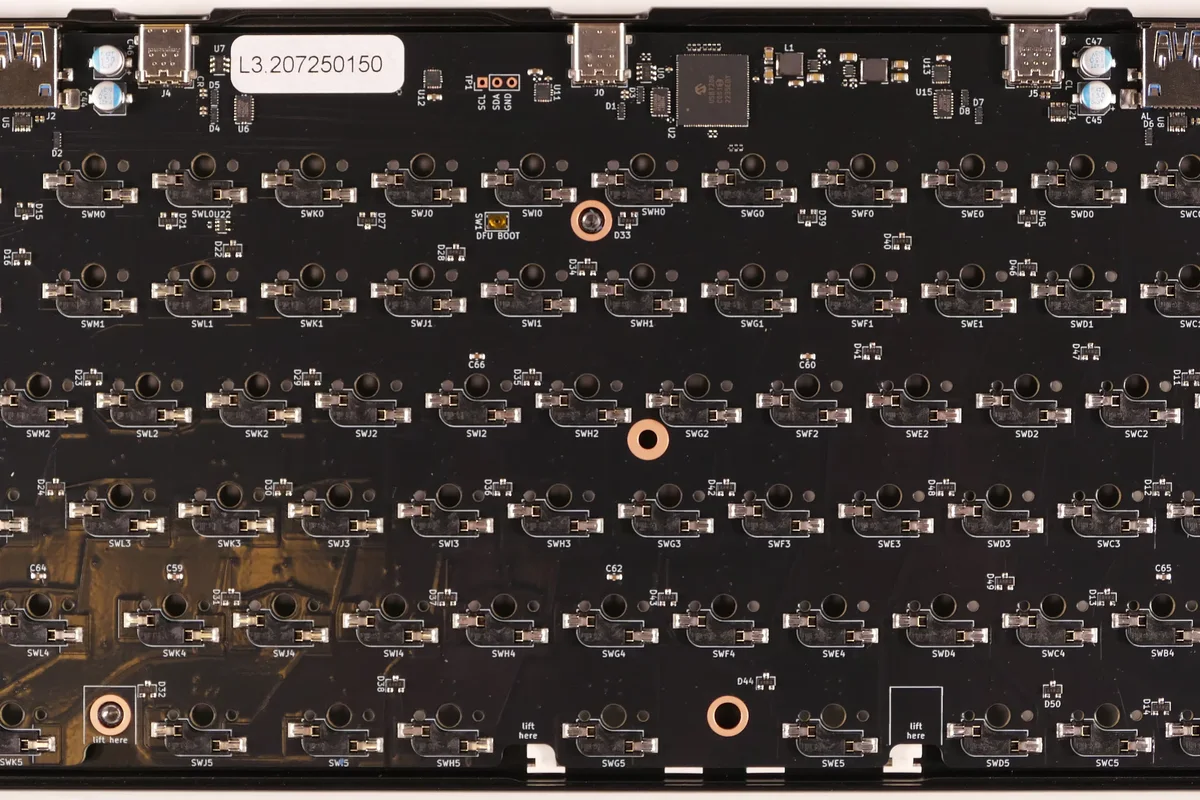
Stabilizer Tuning
I cleaned off the factory grease and applied Krytox 205g2 to the contact points.
- The “clacking” of the Spacebar and Enter keys has been replaced by a silent, heavy thud.
Switch Pads
I added switch pads to fill the gap between the switch and the PCB. This filtered out high-pitched frequencies.
- it is turning a standard Red switch into a much deeper, “thockier” version.

Summary
Modding a keyboard with a Krytox kit, foam, and pads is one of the best investments you can make for your workspace. It transforms a standard tool into a personalized instrument. Even as we move through 2026, a well-modded keyboard that fits your hand perfectly is the true “final build.”
If you already own this model and are getting bored of the same old feel, try my formula! You’ll see exactly why I’m still using this board to type all these posts for you!
Where to Find?:
- KeyChron K4 V2: Shopee
- Krytox 205G0 + 205G2 105 : https://s.shopee.co.th/3B0lOEqg2G
- EVA foam: https://s.shopee.co.th/8zyYL1kWOv
- Switch Pads: https://s.shopee.co.th/qcqc3gEXQ

 Samsung รุ่นแตะขึ้น BTS-MRT-BRT มัดรวมโปรเก่าแลกใหม่ปี 2026
 iPhone 2026 มีอะไรใหม่บ้าง รวมข่าวลือ ราคา และวันเปิดตัวล่าสุด
 One-Time Investment: Why the AUKEY PA-TA09 is the Ultimate Travel Adapter for Every Trip