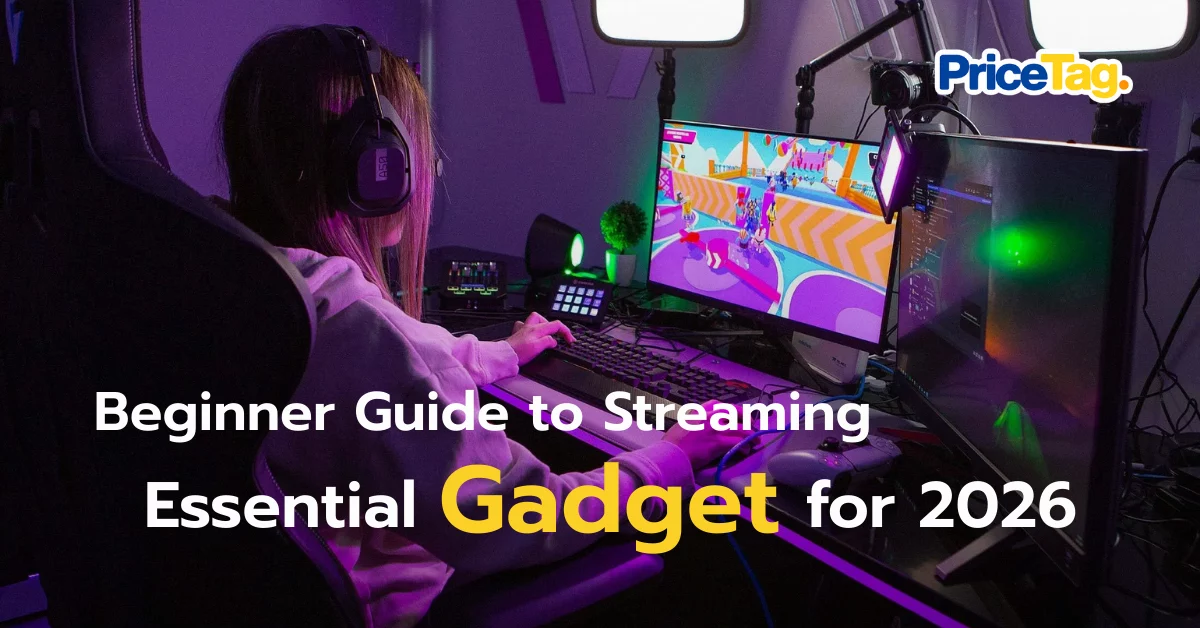
Lately, everywhere I look on my feed, people are going live. It is not just fun but can actually generate real income! Many of you have reached out to ask, “How do I start being a streamer?” Some are afraid that buying a full set of equipment will blow their budget, while others worry that cheap gear will result in blurry visuals and cracking audio that drives viewers away. Especially for starting a game stream in 2026 where competition is high, how do we set up a professional looking station that covers everything even as a beginner?
I have gone through plenty of trial and error and spent money on sub par equipment before realizing that great gear does not have to be the most expensive. You just need to know how to choose. Today, I have summarized a checklist of essential equipment you need to succeed in this field.
Checklist 1: The Microphone: Clear and Crisp Audio
Many people focus on the camera first, but audio is actually the heart of streaming. Viewers might tolerate lower video quality, but if your microphone has a constant buzz, wind noise, or too much echo, they will close the stream immediately.
The trick is to look for a USB Condenser microphone that captures fine details. Adding a microphone boom arm will also help reduce vibrations from your keyboard, making your voice sound smooth and professional.
Checklist 2: Camera and Lighting: Sharp Focus
In 2026, your video must be at least 1080p. Using a high quality webcam helps you communicate better through facial expressions. However, remember that even the best camera will struggle in the dark!.
A Ring Light is a crucial piece of content gear that helps your skin look bright and significantly reduces visual noise in the video.
Checklist 3: Stream Management Tools for Seamless Transitions
Modern streamers no longer Alt+Tab back and forth between screens. If you want to look like a pro, a Stream Deck or a budget friendly Capture Card (for console players) are the tools that make your live stream flow smoothly.
Whether you are switching scenes in OBS Studio or pulling gameplay from a console to your PC, these tools allow you to do it all with a single button press.
The Ultimate Beginner Set: HyperX SoloCast and Logitech C922
Based on the three criteria mentioned above, if you ask me which gadgets are the most worthwhile for a beginner in 2026, I have to give it to the “heroes” of the setup: the HyperX SoloCast and Logitech C922.
Why I recommend the HyperX SoloCast?
- Professional Sound on a Budget: It is designed for streamers who want studio quality sound without a high price tag.
- Incredibly Easy to Use: Just plug in the USB and you are ready for OBS Studio. It also features a Tap to Mute sensor, which is very handy when you need to cough or sneeze.
- Space Saving Design: Its compact size keeps your desk setup looking clean and organized.

Why I recommend the Logitech C922?
This is a legendary 1080p webcam that offers sharp images and fast autofocus. It works beautifully with a Ring Light, ensuring your stream looks professional from day one.
The Value of This Setup
If you are looking for a way to stream on Facebook, YouTube, or TikTok and want your views to grow, investing in standardized equipment like HyperX and Logitech is the answer. They are durable and highly stable when used with various streaming software.
Do not let your streaming dreams be interrupted by sub par equipment. I highly recommend adding these to your 2026 setup. You will definitely enjoy streaming much more!
Where to Shop (Official Stores with Warranty)
HyperX Solocast
Logitech C922 Pro