

Have you ever scrolled through Pinterest and sighed at those gorgeous desk setups? It often feels like a massive temptation where you could easily spend thousands. Many people feel overwhelmed, afraid that buying random items will just create a cluttered mess.
Whether you want a Minimalist Desk Setup or a flashy RGB station, the secret to a great workspace is not always about the price. It is about “color coordination” and “organization.” Today, I have summarized the ultimate guide to creating a high productivity workspace that looks professional and cohesive.
Why Invest in Your Desk Setup?
In an era of Work From Home and Hybrid Work, a High Productive Desk Setup is not a luxury; it is an investment in yourself. Choosing an Ergonomic Chair or a Dual Monitor Arm to adjust your eye level is a proactive way to prevent Office Syndrome. Research shows that a cluttered desk leads to mental fatigue. Using Cable Management and Minimalist Decor reduces visual clutter, helping you reach a “Flow State” faster. Sitting in a beautiful office or dream gaming corner with the right Ambient Lighting can transform exhaustion into creative energy.
1. The Foundation: Standing Desks and Ergonomic Chairs
The desk is often overlooked. If you want to work for hours without back pain, an Electric Standing Desk is a game changer. Switching between sitting and standing keeps your body active and reduces afternoon drowsiness. For the chair, skip the flashy racing style seats and opt for a sleek Ergonomic Chair. These are designed to support the natural curve of your spine, improving blood circulation and keeping your brain sharp.
- Why ergonomic?: Because it’s designed to support the curve of the spine, improving blood circulation and thus enhancing brain function.
- Electric height-adjustable desk: This item can greatly boost productivity because switching to standing while working helps keep the body alert and significantly reduces afternoon drowsiness.

2. Custom Keyboards and Wireless Mice
A high productivity workspace requires precision and a unique tactile feel. Mechanical keyboards with hot swappable switches allow you to customize the “typing weight” and “sound” to match your preference. Brands like Akko or Ducky make typing a fun and engaging experience. Keep your desk clean and wire free. While a standard mouse works, true productivity enthusiasts often choose a Vertical Mouse or the Logitech MX Master series. These are designed according to ergonomic principles to reduce wrist strain and muscle tension during long work sessions.


3. Cable Management and Monitor Arms
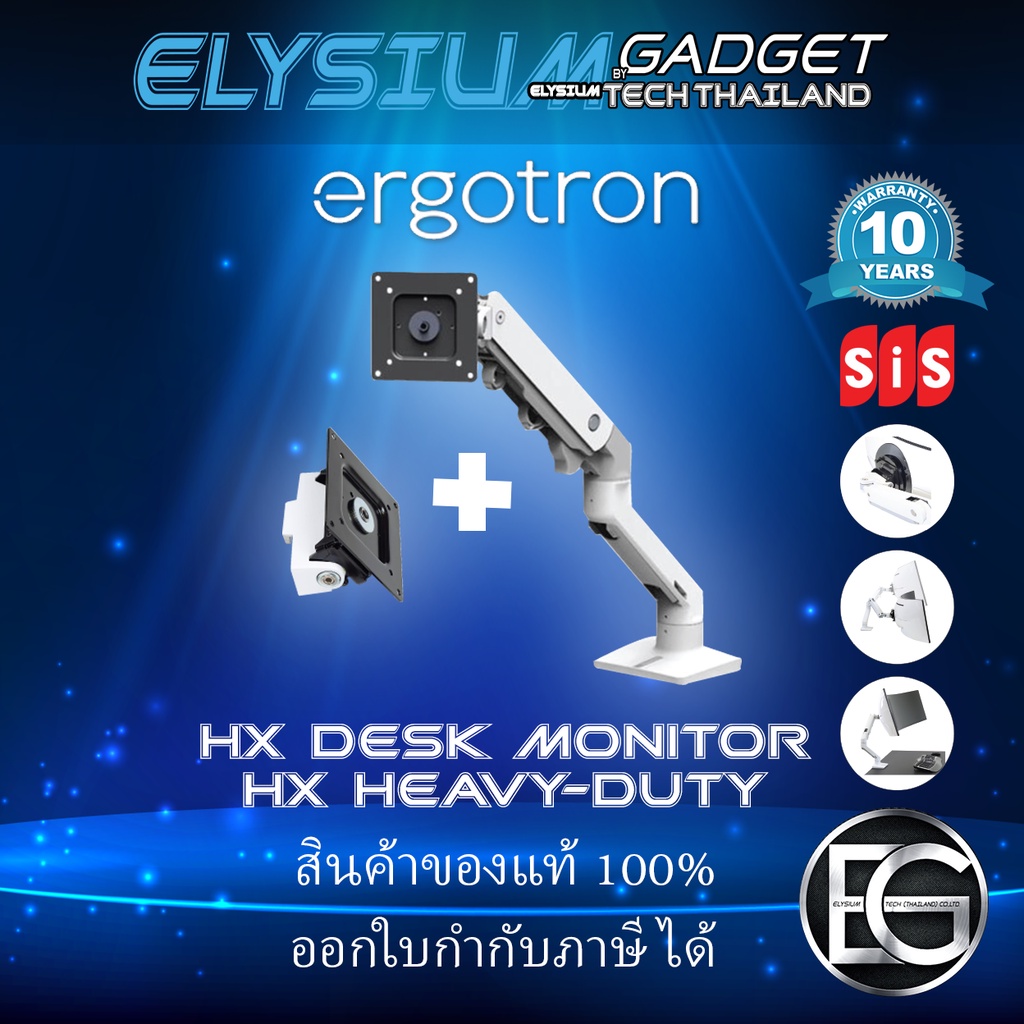
Even a million dollar desk looks cheap if cables are tangling everywhere. Cable Management is the most critical step. Use under desk cable trays to hide wires and install a Dual Monitor Arm to clear up surface space. This creates a floating screen effect that looks incredibly modern and organized. Interested in a monitor arm but not sure which one to get? Check out our guide here to help make your decision easier!

4. High Quality Desk Speakers
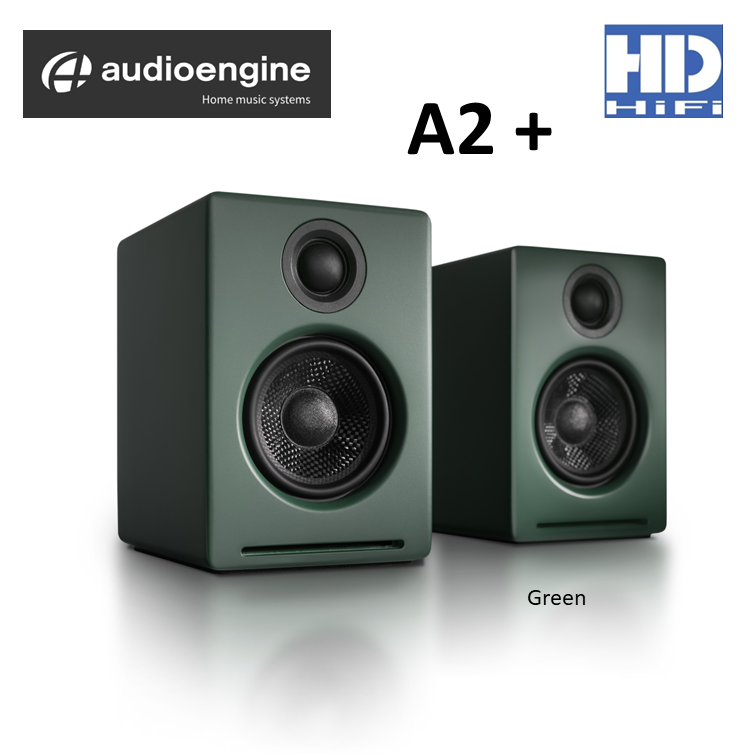
Instead of generic plastic speakers, choose ones with premium materials like wood or metal from brands such as Audioengine or Kanto. These double as functional decor. If you prefer deep focus, a pair of high end over ear headphones is a great alternative. For those who need specific audio accuracy, compact monitors that fit easily on the desk provide an immersive listening experience without taking up too much room. If you are undecided on which speaker to choose, you can find more information here. Special thanks to Mercular for the helpful article.
5. Large Desk Mats
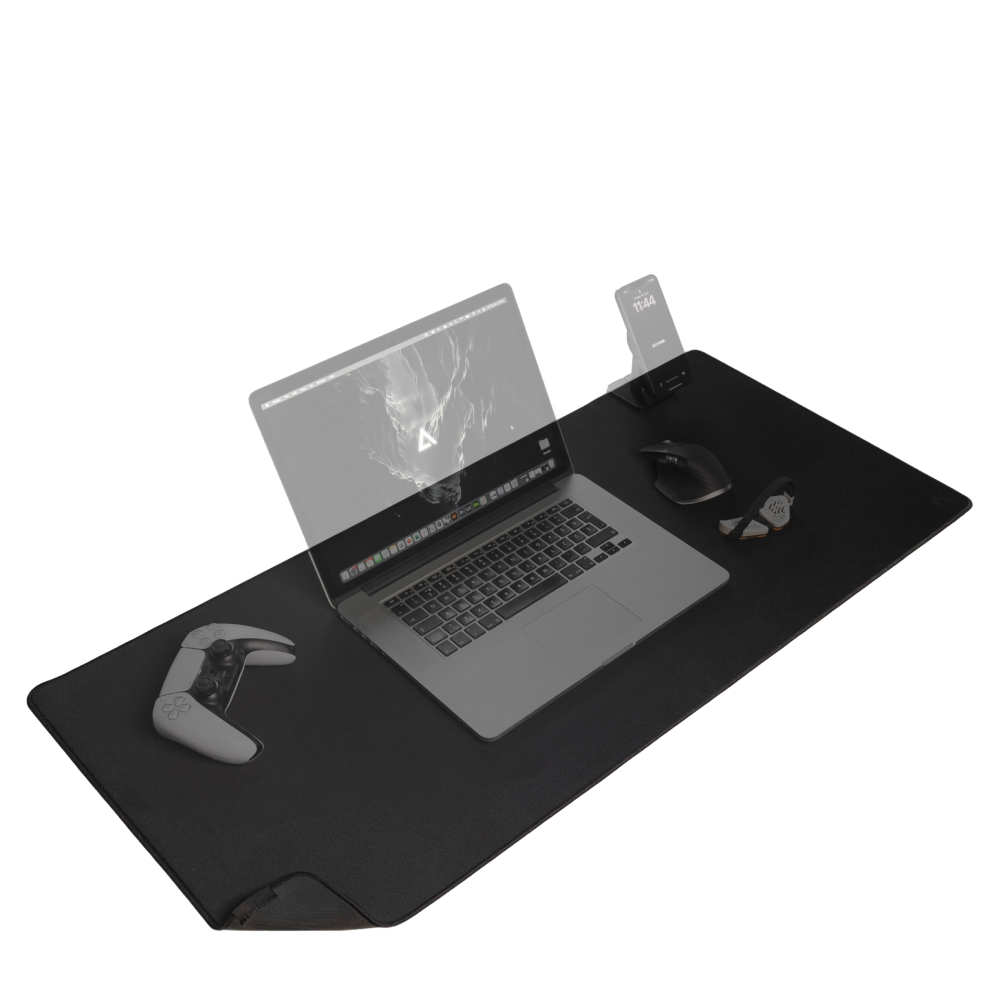
In computer desk organizing groups, it’s often said that putting down a desk mat instantly makes a desk look “fuller” and more organized. But beyond aesthetics, its productivity benefits include reducing visual clutter on the desk surface, allowing you to focus better on the task at hand. It also helps absorb noise when placing a glass of water down or typing on a custom keyboard , giving the desk a softer and more premium feel than a bare desk.
For those who work outdoors, we recommend choosing a desk mat made from materials like felt (sheep’s wool) or premium PU leather in simple colors such as dark gray or earth tones to match a minimalist computer desk style. A large desk mat not only ensures smooth mouse movement but also protects your beloved desk surface from scratches and provides a soft, comfortable surface for long periods of work. These small details contribute to longer working hours without fatigue.
My personal tip for choosing a desk mat.
- Classic style: Choose leather for a luxurious look and easy cleaning.
- Minimalist style: Choose felt fabric for a soft and cozy feel, perfect for working.
- Size: Choose a size large enough to accommodate both your keyboard and mouse (approximately 90×40 cm) for optimal eye balance.
Summary: A Great Setup is Half the Victory
Creating a world class workspace is not just about buying expensive things. It is about choosing gear that truly supports your workflow. A clean desk, proper lighting, and a comfortable chair are the secrets of high achievers. While it is easy to spend a lot once you get into this hobby, the return on investment for your health and work quality is absolutely worth it in 2026.
Joining a desk setup group might be dangerous for your wallet, but it’s great for your well-being. Investing in a setup that boosts your health and work quality is always worth it.