
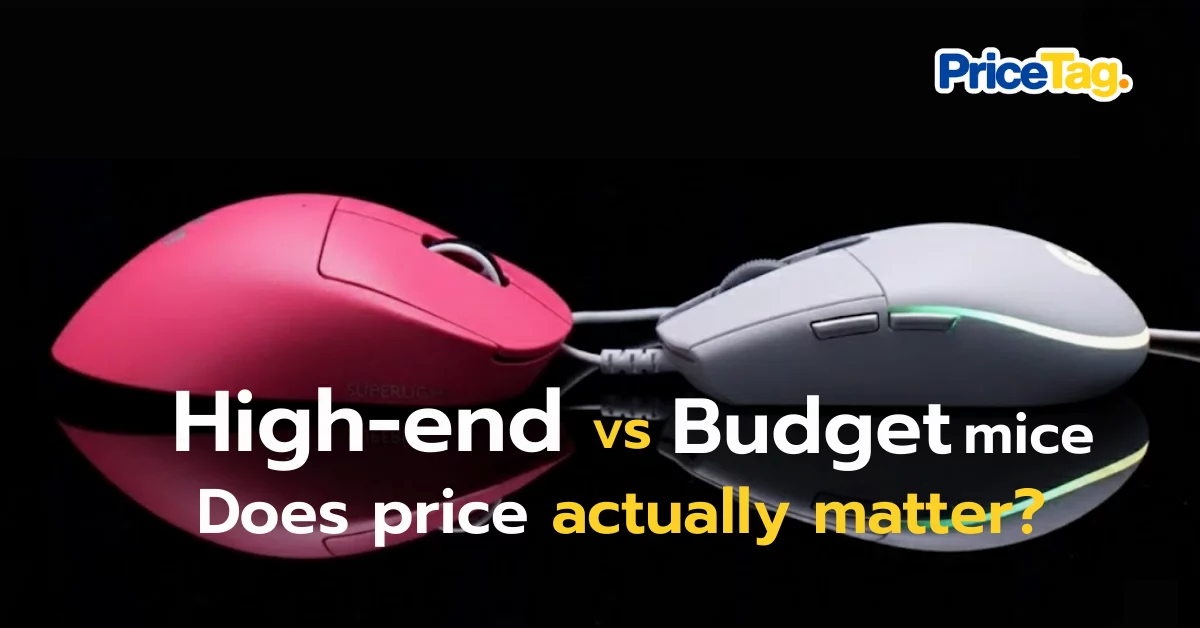
Have you ever wondered like I have? You walk into a gaming gear shop and see a mouse priced at 5,000 THB, while a similar looking one next to it is only 500 THB. The first question that pops up is, “Is there really that much of a difference?” Or are we just paying thousands for a pretty logo and flashy RGB lights?
Many people ask me, “If I just play games for fun, will an expensive mouse make me better? Or is a budget one enough?” Today, I will take you on a deep dive into what is hidden inside the price gap between 500 and 5,000 THB mice in 2026, and whether that difference is truly necessary for you.
1. Polling Rate: The Rhythm Our Eyes Miss
A common question is: what is Polling Rate and why does it need to be high? Most of you are probably used to the 1,000Hz standard. However, top tier gaming mice in 2026 have moved up to 4,000Hz or even 8,000Hz. What does this mean? It is the frequency of data transmission.
- 1,000Hz (1ms): Every second, the mouse reports its position to the computer 1,000 times (every 1 millisecond).
- 8,000Hz (0.125ms): The mouse reports 8,000 times per second! Data is sent every 0.125 milliseconds.
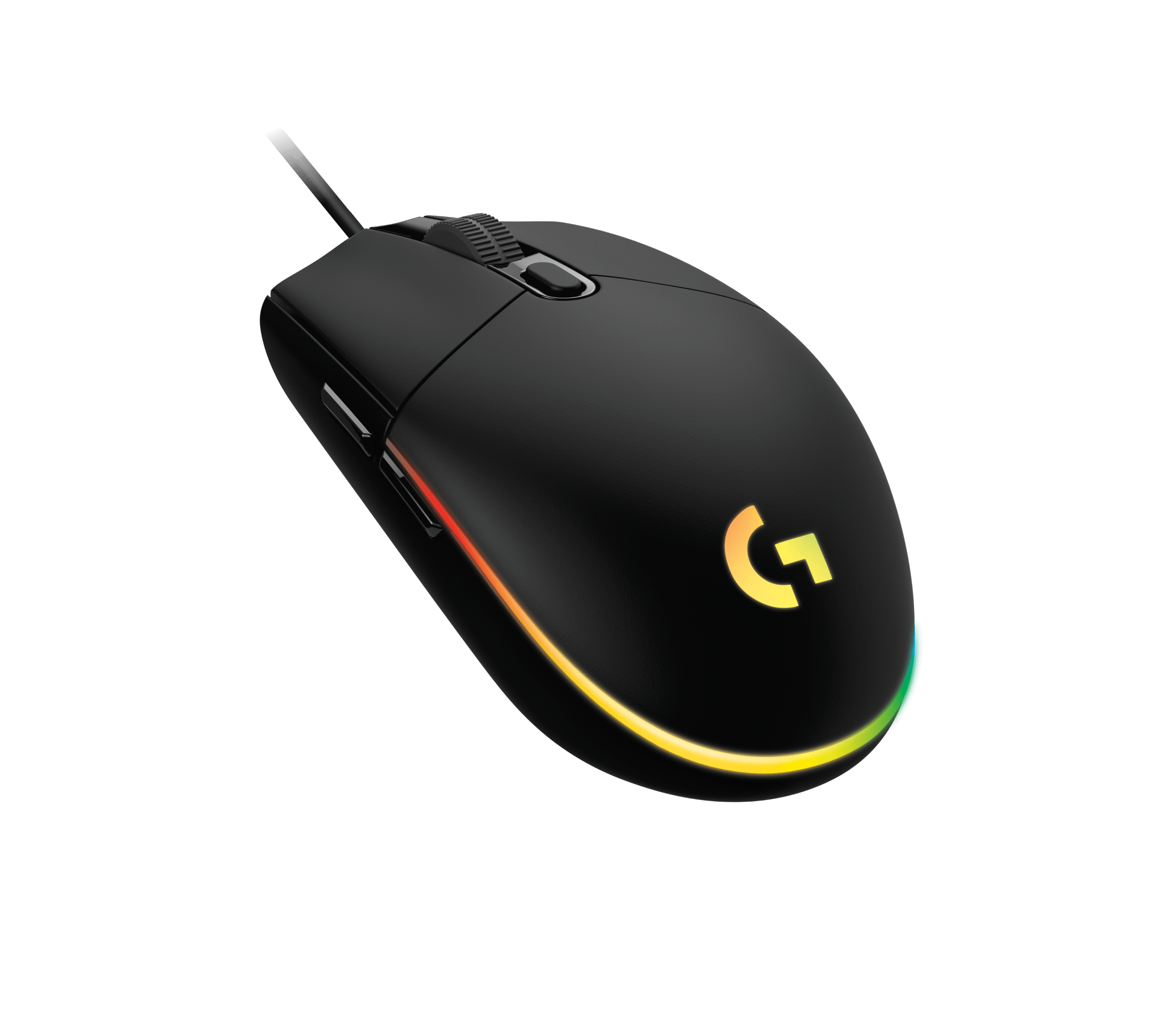
Why does this matter? If you use a high refresh rate monitor (like 240Hz or 360Hz), the screen updates very quickly. If the mouse sends data too slowly (1,000Hz), the computer has to guess the mouse’s position in between reports, making the cursor movement look slightly jagged. At 8,000Hz, the data is so detailed that it aligns perfectly with the monitor’s refresh rate. The result is input lag that is reduced to almost zero, making the game feel incredibly smooth.
Pro Tip: High Polling Rates consume more CPU power. If your PC is not powerful enough, you might actually experience frame rate drops.
2. Sensor: The Smart Brain Behind Every Move
This is where PC specs meet mouse specs.
- High end mice use superior Optical Sensors that ensure 100% accuracy even during fast flick shots. You won’t experience “sensor spin out” or the mouse failing to track rapid movements, which are common issues with budget mice. If you’re looking for an in-depth comparison of the sensors, click here for more details.
3. Click Latency: Click First, Win First
- Budget Mice: Often use standard mechanical switches. These have higher signal latency and can develop the annoying double click issue over time.
- Top Tier Mice: Use Optical Mouse Switches. These use a light beam instead of metal contact to send signals, which eliminates debounce delay and is far more durable.

4. Lift off Distance (LOD) Adjustment
Expensive mice allow you to fine tune the LOD. You can set the mouse to stop tracking the moment it is lifted just 0.1 mm off the surface. This prevents your crosshair from shifting when you pick up the mouse to reposition it, a feature usually missing in 500 THB models.
Which Model Best Represents This Difference?
If you want to feel what a tenfold difference feels like, I recommend checking out the Logitech G PRO X Superlight 2.
Why This Model?
The Logitech G PRO X Superlight 2 is proof that low latency wireless mice can truly outperform wired ones. Weighing in at only 60 grams, it is packed with the HERO 2 sensor, which offers millimeter precision. It makes the mouse feel like an extension of your hand.
Another standout feature of the HERO 2 sensor is its power efficiency. It consumes very little power while maintaining massive accuracy. This is why pro players love its consistency: whether you move the mouse slowly or flick it fast, the movement ratio on the screen remains perfectly.
Final Summary: Do You Really Need to Pay 5,000 THB?
I will be honest with you: not everyone needs it. If you play casual games or do office work, a mouse in the 500 to 1,500 THB range is more than enough. However, if you feel that your skills are being held back by your gear (like the crosshair not following your hand perfectly) or you want to end the double click headache once and for all, investing in a 2026 flagship like the Logitech G PRO X Superlight 2 is a worthy long term investment. If you are interested in this gaming mouse, you can check out more reviews here. Special thanks to Mercular for the excellent review.