

Have you ever noticed that you spend more time holding a “mouse” each day than holding your smartphone? Yet, many people overlook this and tolerate using generic, low-quality mice that cause wrist pain, accidental clicks, or slow response times. These are small obstacles that silently hinder your work efficiency.
For Professional Users who spend hours in front of a computer, upgrading to a “Hybrid Mouse” (or a high-quality gaming mouse) is one of the most worthwhile investments. These mice aren’t just for gaming; they are designed to be “more precise, durable, and ergonomic” than standard office mice.
Today, we dive deep into 2 flagship wired models from the giants Logitech and Razer. These are widely accepted as the “End Game” for those who want a device that excels at both work and play. Let’s see their specs and find out which one fits your hand best.
1. Logitech G502 X (Wired)
Definition: “The Productivity Machine, A Customizer’s Dream”
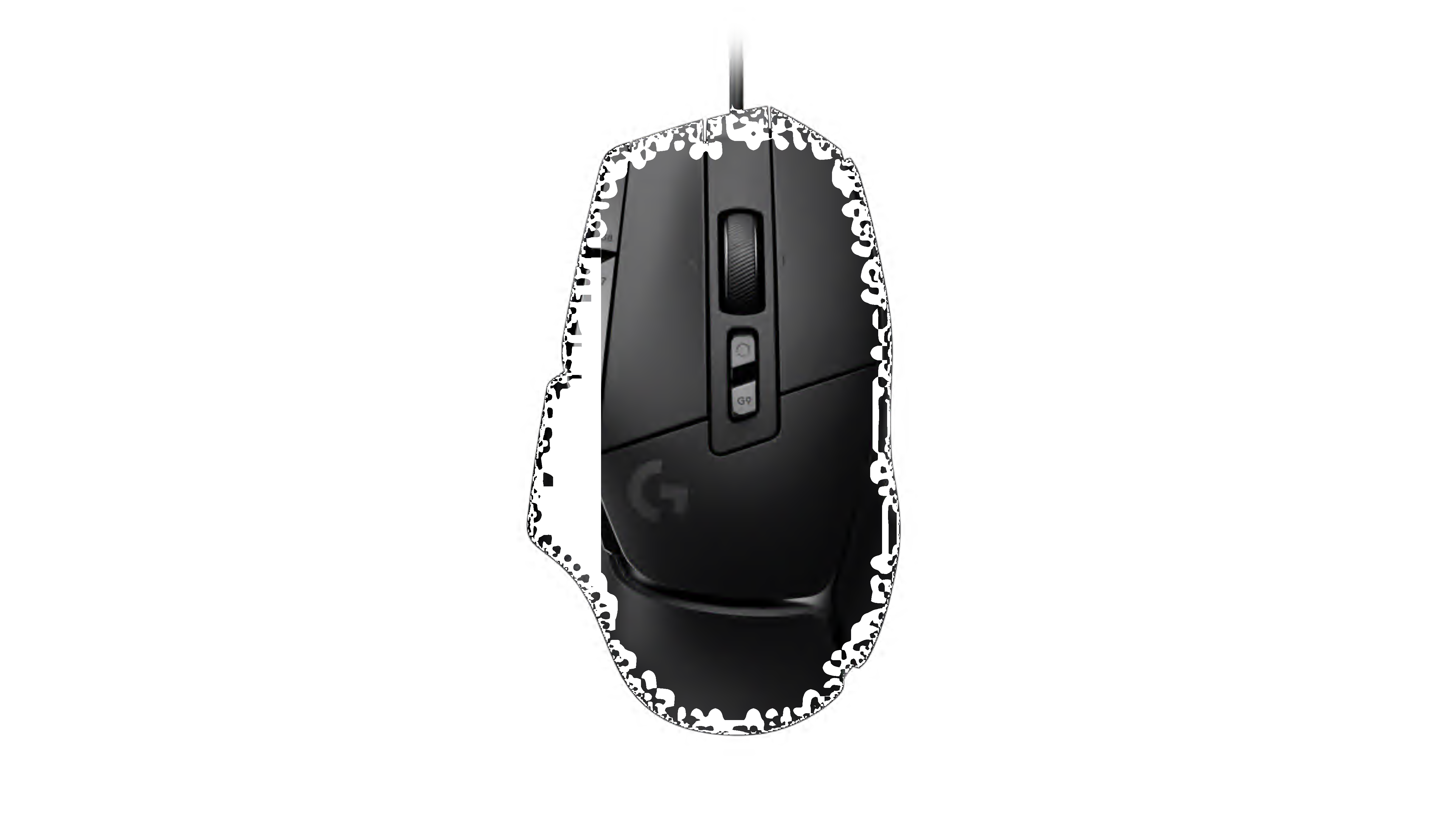
This is the successor to the best-selling mouse in the world. The Logitech G502 X has been redesigned to be more modern and lightweight while retaining its aggressive identity and feature-packed nature.
- Lightforce Switches: A new hybrid innovation between Optical and Mechanical switches. It provides a “crisp” click feel, instant response, and most importantly, extreme durability. Say goodbye to the annoying double-clicking issue.
- 13 Programmable Buttons: The key selling point is the abundance of buttons around the mouse. Users can map Macros or shortcuts like Copy, Paste, Undo, or editing software hotkeys to their thumb and index finger. This significantly reduces the need to reach for the keyboard.
- Hyperfast Scroll Wheel: Logitech’s signature scroll wheel features two modes: a free-spin mode for scrolling through long pages and a ratcheted mode for precision.
Where to Buy (Official Store):
- Lazada: Click to view price & promo
- Shopee: Click to view price & promo
2. Razer Basilisk V3
Definition: “Intelligent Comfort, The Smoothest Flow”
The eternal rival from the Green Snake brand. The Razer Basilisk V3 stands out for its excellent Ergonomics and technology designed to make life easier.

- Razer™ HyperScroll Tilt Wheel: The hero feature of this model is the intelligent scroll wheel that automatically switches modes (Smart-Reel). A gentle flick gives you tactile scrolling, but a forceful flick unlocks it into free-spin mode instantly for scrolling through long documents.
- Ergonomic Shape: The design features a curvature and a dedicated Thumb Rest that supports the finger perfectly. This effectively reduces wrist strain during long hours of continuous use.
- Underglow RGB: Adds aesthetic value to your workspace with RGB lighting around the base, which is customizable, beautiful, and looks premium.
Where to Buy (Official Store):
- Lazada: Click to view price & promo
- Shopee: Click to view price & promo
Usage Analysis: Which One Suits You?
Although both are high-performance right-handed mice, their usage characters are distinctly different.
Choose Logitech G502 X if you are… “The Productivity & Creator Type”
If your work involves many shortcuts—such as Video Editors, Graphic Designers, or Programmers who press the same keys repeatedly—the multitude of buttons on the G502 X will noticeably speed up your workflow. The lighter weight also helps with precise cursor movements.
Choose Razer Basilisk V3 if you are… “The Data & Reader Type”
If your work involves dealing with massive amounts of data, reading long PDF documents, scanning through thousands of Excel rows, or reviewing code, Razer’s Smart Scroll system will save your index finger a lot of effort. The fuller shape also provides a more relaxed grip for long sessions.
Spending a bit more for the Logitech G502 X or Razer Basilisk V3 is not a waste; it is an investment in your “wrist health” and the “time” you gain back from a smoother workflow.
Both models are wired, which offers the advantage of 100% signal stability. You never have to worry about battery life running out mid-day, and they are significantly cheaper than their wireless counterparts. This is the most cost-effective starting point for anyone looking to step into the world of high-quality peripherals.
Choose the one that matches your work style, and this mouse will become the best partner on your desk.